Add Projects
The Project Settings section allows you to view, add, and manage project details.
Accessing Project Settings
You can access Project Settings in two ways:
Method 1: From the Left Sidebar
- Click Projects from the left sidebar.
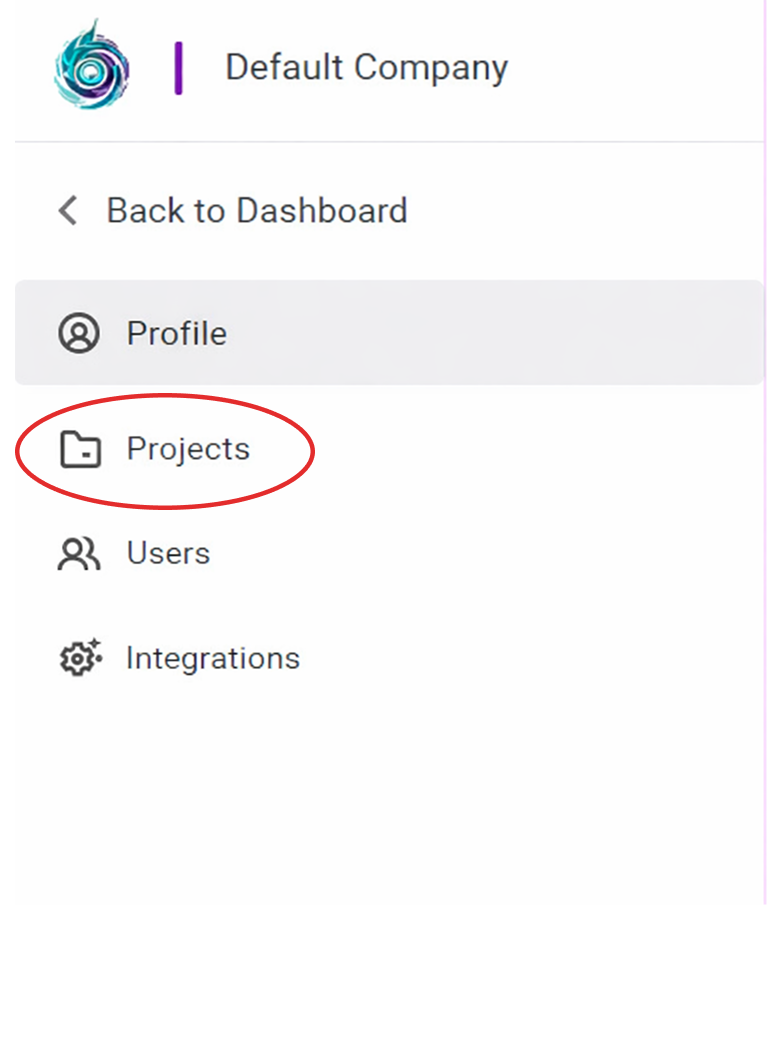
Method 2: From the Header
- Click the Project Settings tab in the header.

1. Adding a Project
To add a new project:
- Click Add Project in the top-right corner.

The remaining steps are covered in the Add Project section.
Click here to view: Add Project